

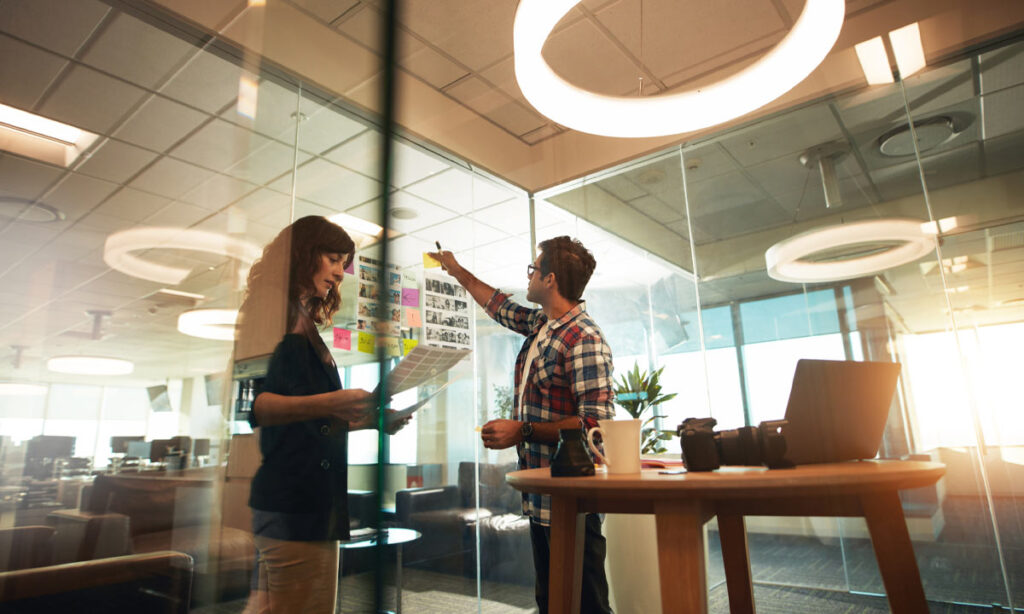
Creative studios need workspaces that support focus, collaboration, production, client reviews, and daily operations. A studio may look visually strong, but still struggle if storage is poor, deliveries are disorganized, air quality is weak, or teams lack the right systems.
Workplace upgrades should not only improve appearance. They should make the studio easier to use, easier to manage, and better suited to creative work.
Design teams, production teams, photographers, brand studios, content agencies, and interior design firms can all benefit from practical upgrades that reduce friction and improve output.
1. Improve Studio Layout
A studio layout should match how work actually moves through the space. If people constantly cross paths, search for tools, or move materials between distant areas, productivity drops.
Start by separating core zones.
A creative studio may need space for focused design work, client meetings, material samples, printing, photography, packaging, storage, and administrative tasks.
Each zone should have a clear function.
The goal is to reduce unnecessary movement while keeping collaboration easy.
2. Organize Deliveries and Local Logistics
Creative studios often receive and send physical materials. This may include samples, prints, prototypes, packaging, client materials, event displays, furniture pieces, artwork, or branded collateral.
Disorganized delivery handling can delay projects and create clutter.
Studios managing frequent local drop-offs can use software for last mile delivery to plan routes, track deliveries, organize handoffs, and improve visibility when materials move between vendors, clients, printers, and studio locations.
This helps teams avoid missed pickups and unclear delivery status.
It also improves communication when project timelines depend on physical items arriving on time.
3. Upgrade Storage Systems
Creative studios collect materials quickly. Fabric samples, paint chips, paper stocks, packaging references, photography props, tools, cables, presentation boards, and client files can become difficult to manage.
Use labeled storage by material type, client, project stage, or frequency of use.
High-use items should be easy to reach.
Archived materials should be stored separately.
Storage Areas to Review
Useful categories include:
- Material samples
- Print proofs
- Photography props
- Client files
- Packaging supplies
- Cables and chargers
- Presentation boards
- Tools and hardware
- Cleaning supplies
Good storage reduces visual clutter and helps teams work faster.
4. Improve Lighting Quality
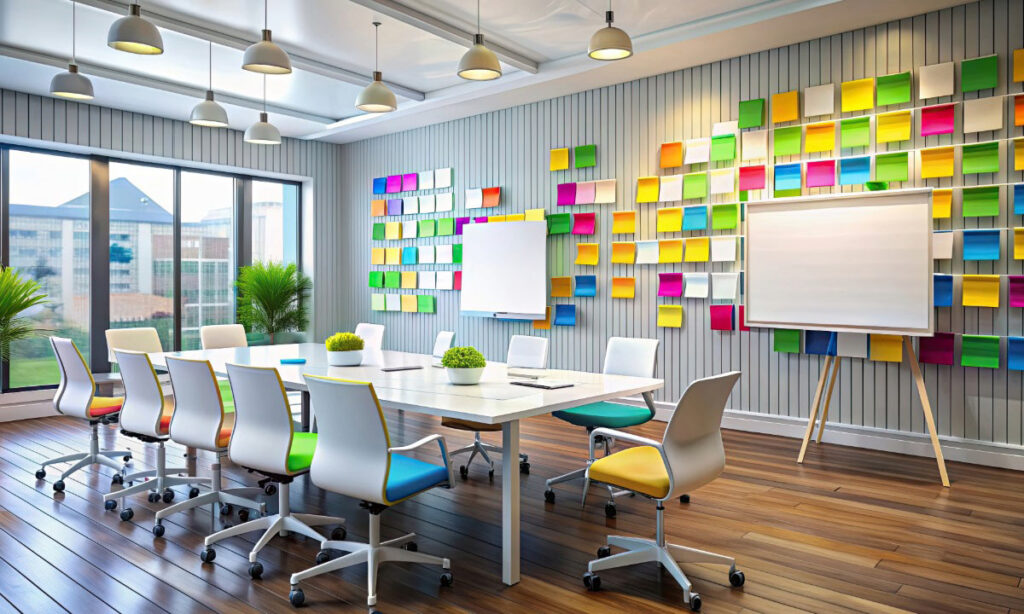
Lighting affects both mood and accuracy. In a creative studio, poor lighting can distort color decisions, reduce focus, and make photography or client reviews harder.
Use a mix of natural light, task lighting, and controlled artificial lighting.
Design workstations need even lighting without glare.
Review areas need lighting that supports color accuracy.
Photography zones may need adjustable lighting and controlled backgrounds.
Avoid placing screens directly opposite bright windows.
Glare creates eye strain and reduces visual precision.
5. Strengthen Air Quality
Creative studios may use printers, adhesives, paints, fabrics, packaging materials, cleaning products, or production equipment that affects indoor air. Poor air quality can reduce comfort and focus.
Studios with dust, particles, or production-related air concerns may need stronger solutions such as air filtration systems to help manage airborne contaminants and improve the workspace environment.
Air quality should be reviewed alongside ventilation, cleaning routines, and material storage.
A clean-looking studio can still have poor airflow or particle buildup.
6. Create Better Client Review Areas

Client review areas should be designed for decision-making. A cluttered meeting table or poorly lit review wall can weaken presentations.
Create a dedicated space for mockups, samples, screen reviews, boards, and printed materials.
The area should have enough table space, clean walls, good lighting, and easy access to power.
Review Area Essentials
Useful features include:
- Large table surface
- Neutral wall space
- Sample storage nearby
- Display screen
- Charging access
- Adjustable lighting
- Seating for discussion
- Clear presentation path
A strong review area helps clients focus on the work instead of the room.
7. Improve Cable and Device Management
Creative studios often rely on monitors, tablets, cameras, scanners, printers, lighting equipment, hard drives, and charging stations. Poor cable management creates clutter and safety risks.
Use cable trays, labels, charging drawers, wall-mounted power strips, and dedicated device zones.
Label chargers and adapters.
Keep backup cables in one location.
This prevents equipment delays during shoots, presentations, or production work.
It also makes the studio easier to clean and maintain.
8. Add Acoustic Control

Open creative spaces can become noisy. Calls, brainstorming sessions, printers, music, and client meetings can interrupt focused work.
Acoustic panels, rugs, curtains, soft seating, and separated meeting areas can reduce noise transfer.
Studios should identify which activities create the most disruption.
Then separate quiet work from collaborative work where possible.
Better acoustics help designers focus and make client conversations easier.
9. Standardize Project Workflows
Workspace upgrades should be supported by process upgrades. A well-designed studio still needs clear systems for project intake, approvals, file naming, revisions, asset storage, and handoffs.
Create workflow templates for common project types.
Document who owns each stage and where files should be stored.
This reduces confusion when multiple team members work on the same client project.
Final Thoughts
Creative studio upgrades should improve how the workspace functions, not only how it looks.
Start with layout, storage, lighting, delivery management, air quality, client review areas, cable control, acoustics, and project workflows.
The best studios support both creativity and operational discipline.
When the space is organized, comfortable, and built around real work patterns, teams can create with fewer interruptions and better results.
